Order the hardware
Choose the MD Vault Gateway SKU. Add Wi‑Fi repeaters and/or the AI Server Node if you want local LLMs. MD Hub confirms ship-to and account binding.
Receive and unbox
Gateway chassis arrives with power, Ethernet guidance, and the claim path. Repeaters and the AI node arrive as matching physical line items when ordered.
Connect WAN and LAN
Uplink to your ISP. Connect core devices. Power on. The gateway starts DHCP, local DNS, and house Wi‑Fi for the premises.
Claim the appliance
Bind the unit to your MD Hub owner account. Docker brings up the privatized stack. AI Guard begins baseline monitoring.
Relocate personal data
Import Drive-style folders, phone photo exports, contact lists (SIM / CSV / vCard), and device archives onto the vault. Point phones on the house SSID at home services instead of only vendor clouds.
Add AI node (optional)
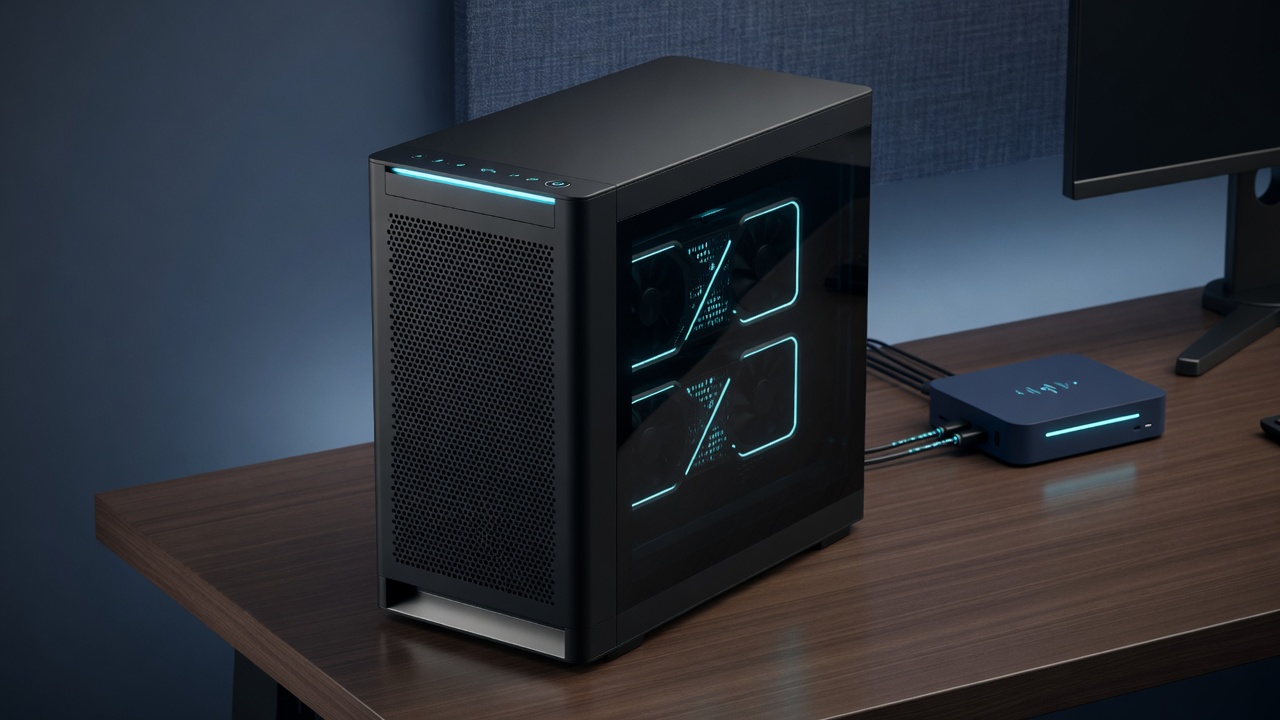
Place the AI Server Node on the LAN, claim it, and pull local models. Agents and household tools call inference on your GPUs — prompts stay under your roof.
Extend Wi‑Fi if needed
Place and pair optional repeaters. Every room reaches the private vault and the AI node. Sites, portals, and agents run on the stack you host at the edge.
After day one
- Live from home — files, photos, and contacts resolve on the appliance inside the house
- Build — Sites, Portals, Plans, and Agentic Coder on the signed-in account
- Infer locally — optional AI Server Node runs LLMs on your GPUs without a public API seat for every prompt
- Watch — AI Guard alerts on network and server activity around your libraries and nodes
- Grow — order more repeaters, AI nodes, or additional gateways for other locations